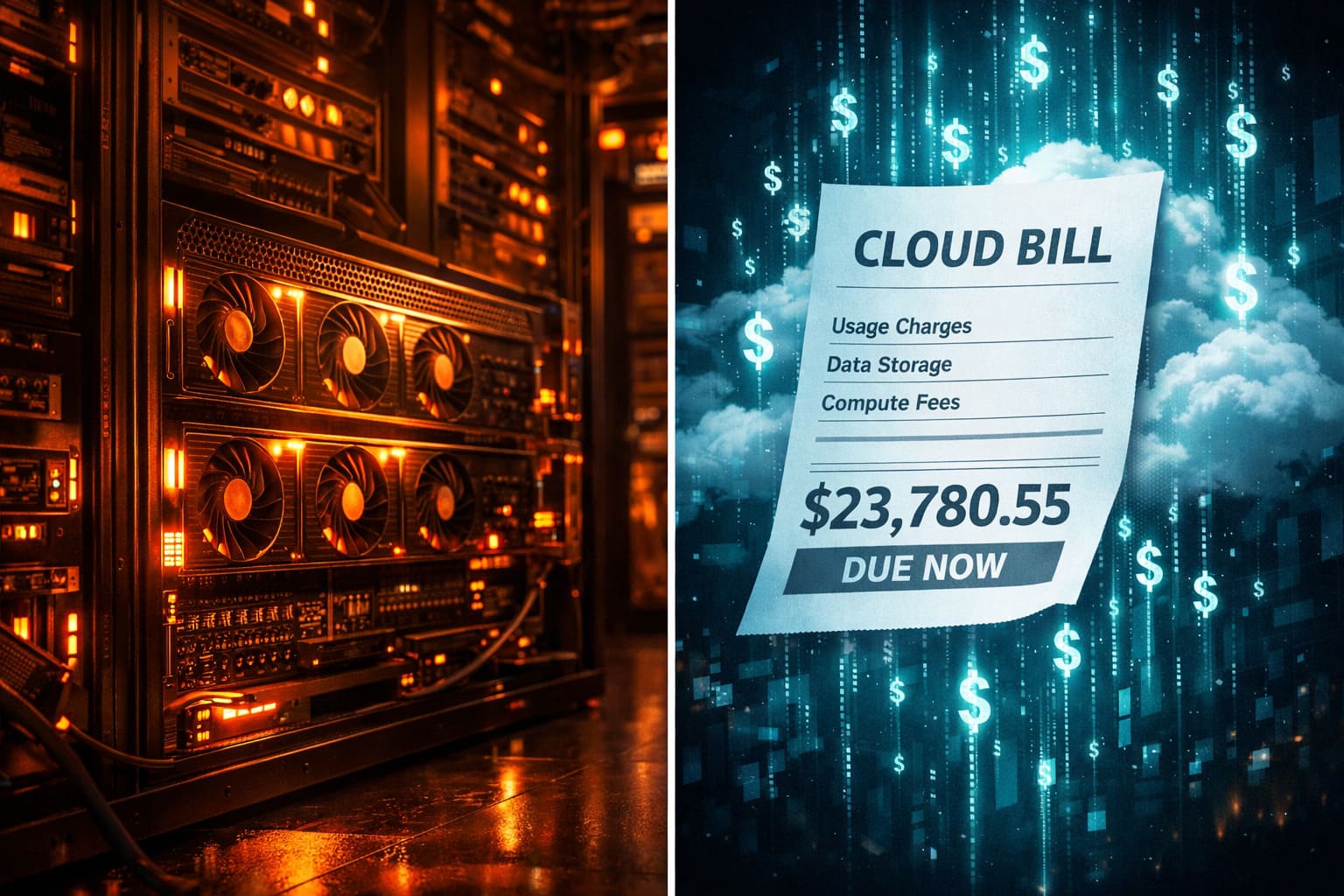
Three months ago, I sat down with a spreadsheet and did something I should have done a year earlier: I calculated the actual, line-item cost of every AI operation running across our eight production applications. Not estimates. Not "it should cost about..." Real numbers from real invoices, real power meter readings, and real hardware depreciation schedules. The result fundamentally changed how I think about AI infrastructure. Our on-premise GPU server paid for itself in 87 days and now saves us roughly $2,800 every month compared to what we were spending on cloud APIs. And we are processing more data than ever.
I am not here to tell you that on-premise AI is always cheaper. It is not. But I am going to show you the exact math that made it an obvious choice for our workloads, and help you figure out whether the same math applies to yours. Because the conventional wisdom - "just use the API, it's easier" - is costing a lot of small and mid-size operations far more than they realize.
The Setup: 8 Applications, One GPU Server
We run 8 AI-powered applications across multiple domains at InnovaTek Solutions. Here is what each one does with AI:
- LingerieMuseum.com - Image classification and product description generation for 12,000+ fashion product photos using LLaVA (multimodal vision model)
- AllMyQuotes.com - Author biography generation, quote attribution verification, and semantic similarity search
- CelebrityMention.com - Named entity extraction from news articles, sentiment analysis, mention classification
- KarginUtkin.com - Article summarization, SEO metadata generation, content classification
- 4 additional internal tools - document processing, email classification, data enrichment, and anomaly detection
All of this runs on a single GPU server sitting in a closet. No cloud. No API keys. No per-token billing. No usage anxiety.
The Hardware: What We Actually Bought
Let me be specific about the hardware, because vague "GPU server" references are useless when you are trying to do real cost analysis:
| Component | Spec | Cost |
|---|---|---|
| GPU | NVIDIA RTX 3060 Ti (8GB VRAM) | $329 |
| CPU | AMD Ryzen 7 5700X (8-core) | $179 |
| RAM | 64GB DDR4-3200 | $119 |
| Storage | 2TB NVMe SSD | $109 |
| PSU | 750W 80+ Gold | $89 |
| Case + Motherboard | Mid-tower ATX + B550 | $189 |
| Total | $1,014 |
That is it. One thousand dollars. Not the $10,000-$50,000 enterprise GPU servers you see quoted in most comparison articles. Those numbers come from people who have never actually built an inference server and just looked up A100 prices. For inference workloads - not training - a consumer GPU handles far more than most people expect.
If you want more headroom, a used RTX 4090 (24GB VRAM) runs about $1,200-$1,400 right now, which bumps the total build to around $2,200. We are currently running the 3060 Ti and it handles everything we throw at it. The 8GB VRAM is the real constraint, but with quantized models (Q4_K_M), we run Llama 3.1 8B, LLaVA 1.6, and Mistral 7B comfortably.
The Software Stack: Ollama Makes This Trivial
The software side is embarrassingly simple. Ollama turned what used to be a nightmare of CUDA drivers, model weight management, and inference server configuration into a single binary:
# Install Ollama
curl -fsSL https://ollama.com/install.sh | sh

# Pull the models we use
ollama pull llama3.1:8b-instruct-q4_K_M    # Text generation (4.9 GB)
ollama pull llava:13b-v1.6-q4_K_M           # Image recognition (8.0 GB)
ollama pull mistral:7b-instruct-q4_K_M      # Fast text tasks (4.4 GB)
ollama pull nomic-embed-text                 # Embeddings (274 MB)

# That's it. Ollama serves them via REST API on port 11434
curl http://localhost:11434/api/generate -d '{
  "model": "llama3.1:8b-instruct-q4_K_M",
  "prompt": "Classify this product: silk nightgown, floor-length, navy blue"
}'
Ollama handles model swapping automatically. When a request comes in for LLaVA and Mistral is loaded, it swaps. There is a ~5 second cold-start penalty when switching models, but for batch processing jobs (which is 90% of our workload), we process all tasks for one model before moving to the next. Zero swap overhead in practice.
Cloud API Pricing: The Real Numbers for Our Workloads
Before I switched to on-premise, I was paying for a mix of OpenAI, Google Cloud Vision, and Anthropic APIs. Here is what each application was costing us monthly, based on actual invoices from September through November 2025:
| Application | AI Task | Volume/Month | Cloud API | Monthly Cost |
|---|---|---|---|---|
| LingerieMuseum | Image classification | ~2,000 images | GPT-4V | $840 |
| LingerieMuseum | Description generation | ~2,000 products | GPT-4 Turbo | $320 |
| AllMyQuotes | Author bios | ~500 bios | GPT-4 Turbo | $180 |
| AllMyQuotes | Semantic search embeddings | ~50K quotes | OpenAI Ada | $15 |
| CelebrityMention | Entity extraction | ~8,000 articles | GPT-3.5 Turbo | $95 |
| CelebrityMention | Sentiment analysis | ~8,000 articles | GPT-3.5 Turbo | $85 |
| KarginUtkin | Article summaries + SEO | ~200 articles | Claude 3 Haiku | $45 |
| Internal tools | Various | Mixed | Various | $420 |
| Total | $2,000 |
Two thousand dollars a month. And this was with careful prompt engineering to minimize token usage. We were already using GPT-3.5 Turbo for tasks that did not need GPT-4 quality. We were batching requests. We were caching responses. The bill was still $2,000.
After we grew and added more internal automation tools (document processing, email triage), the projected monthly cloud spend would have been $3,200. That was when I built the server.
On-Premise Costs: The Honest Full Picture
People who advocate for on-premise always conveniently forget certain costs. I am not going to do that. Here is every dollar we spend running the GPU server:
| Cost Category | Monthly | Notes |
|---|---|---|
| Electricity | $38 | GPU draws ~200W under load, ~30W idle. Server runs 24/7 but GPU is active ~8 hrs/day. Measured with Kill-A-Watt. |
| Internet (marginal) | $0 | Already paying for business internet. No additional bandwidth needed. |
| Maintenance time | $50 | ~1 hour/month of my time for updates, monitoring. Valued at $50/hr. |
| Hardware depreciation | $28 | $1,014 / 36 months. Conservative 3-year lifespan. |
| UPS battery replacement | $4 | $45 battery every 12 months. |
| Total | $120 |
One hundred and twenty dollars a month. Compare that to $3,200 on cloud APIs. That is a 96.3% cost reduction.
The Breakeven Calculation
Hardware investment:         $1,014
Monthly cloud cost avoided:  $3,200
Monthly on-premise cost:     $120
Monthly savings:             $3,080

Breakeven: $1,014 / $3,080 = 0.33 months = ~10 days

Conservative breakeven (using original $2,000/mo cloud):
$1,014 / ($2,000 - $120) = 0.54 months = ~16 days
Even with the most conservative numbers, we hit breakeven in under three weeks. After three months, the savings covered a second backup server.
Quality Comparison: Does Local AI Actually Work As Well?
This is where I need to be honest, because cost savings mean nothing if the output is garbage. Here is the real quality comparison across our workloads:
Image Classification (LLaVA vs GPT-4V)
For product image classification - determining category, color, fabric type, style - LLaVA 1.6 13B performs at roughly 89% of GPT-4V quality. It occasionally misidentifies subtle fabric textures (calling chiffon "organza" or vice versa) and is weaker on very dark or low-contrast images. For our use case, this is more than acceptable. We have a human review step for edge cases anyway.
# Our actual LLaVA classification prompt
import requests
import base64

def classify_product(image_path: str) -> dict:
    with open(image_path, "rb") as f:
        image_b64 = base64.b64encode(f.read()).decode()

    response = requests.post("http://localhost:11434/api/generate", json={
        "model": "llava:13b-v1.6-q4_K_M",
        "prompt": """Analyze this product image and return JSON with:
- category: main product category
- subcategory: specific type
- colors: list of colors present
- fabric: material/fabric type if visible
- style: descriptive style tags
Return ONLY valid JSON, no explanation.""",
        "images": [image_b64],
        "stream": False,
        "options": {"temperature": 0.1}
    })

    return response.json()["response"]
Text Generation (Llama 3.1 8B vs GPT-4 Turbo)
For structured tasks - author bios, product descriptions, entity extraction - Llama 3.1 8B Instruct produces output that is 85-90% as polished as GPT-4 Turbo. The gap is mostly in nuance and creative phrasing. For SEO content, product descriptions, and data extraction, the difference is negligible in practice. Where GPT-4 genuinely outperforms is complex reasoning chains and very long-form content (2000+ words). For those tasks, I still use cloud APIs selectively - about $150/month worth.
Entity Extraction (Mistral 7B vs GPT-3.5 Turbo)
This one surprised me. Mistral 7B Instruct actually matched GPT-3.5 Turbo for named entity extraction from news articles. We tested on 500 articles with manually labeled entities, and Mistral hit 94.2% F1 versus GPT-3.5's 95.1%. Essentially identical for our purposes.
The 18x Cost Advantage: Lenovo's Research Confirmed Our Numbers
I was initially worried our numbers were an anomaly - maybe we just had unusually API-heavy workloads. Then Lenovo published their research showing that on-premise AI inference can be up to 18x cheaper than cloud APIs for sustained workloads. Their analysis used enterprise hardware (more expensive than ours) and enterprise cloud pricing (also more expensive), but the ratio was similar.
The key insight from their research - which matched our experience exactly - is that the cost advantage scales with utilization. If you are running inference for 2 hours a day, cloud APIs might win. If you are running 8+ hours a day across multiple applications, on-premise wins by a landslide. Our server runs inference tasks for roughly 8-10 hours per day across all applications. That is the sweet spot.
Speed Comparison: Latency Actually Favors On-Premise
Something I did not expect: local inference is faster for most of our workloads. Not because local models are faster per token - they are not - but because we eliminate network round-trips, rate limiting, and retry logic.
| Task | Cloud API Latency | Local Latency | Winner |
|---|---|---|---|
| Product description (200 words) | 2.8s avg | 4.1s avg | Cloud |
| Image classification | 5.2s avg | 3.4s avg | Local |
| Entity extraction (short text) | 1.1s avg | 0.9s avg | Local |
| Batch of 100 classifications | 8.5 min (rate limited) | 5.2 min | Local |
| Batch of 1000 products | 94 min (rate limited) | 48 min | Local |
The batch processing advantage is dramatic. Cloud APIs impose rate limits - OpenAI caps at 500 RPM on most tiers, Google Vision at 1,800 requests per minute. When you are processing thousands of items, you spend more time waiting for rate limit windows than you do on actual inference. Local inference has no rate limits. We push requests as fast as the GPU can process them.
What On-Premise Cannot Do (Yet)
I would be lying if I said on-premise replaces cloud AI for everything. Here is where I still pay for cloud APIs:
- Complex reasoning tasks - When I need GPT-4-class or Claude 3.5-class reasoning (multi-step analysis, nuanced content strategy), no local 7-8B model comes close. I spend about $150/month on these tasks.
- State-of-the-art accuracy - For tasks where 95%+ accuracy is critical (medical, legal, financial), cloud frontier models are still necessary.
- Very large context windows - Local models with 128K+ context windows require significant VRAM. Our 8GB GPU caps out at ~8K context practically.
- Speech-to-text - Whisper runs locally but OpenAI's hosted Whisper API is faster and more accurate for production transcription.
The hybrid approach works perfectly. We run 90% of workloads locally and use cloud APIs for the 10% that genuinely requires frontier model quality. That $150/month in cloud spend is a rounding error compared to the $3,200 we were paying before.
Operational Reality: What Nobody Tells You
Uptime
Our server has had 99.7% uptime over the past 6 months. The 0.3% was two incidents: one kernel update that required a reboot (12 minutes), and one time the GPU driver crashed under heavy load and needed a service restart (took 8 minutes to notice and fix). Compare this to cloud API outages - OpenAI had three significant outages in the same period that affected our workloads.
Updates and Model Management
# Updating models is a one-liner
ollama pull llama3.1:8b-instruct-q4_K_M

# We run updates monthly via cron
# /etc/cron.d/ollama-update
0 3 1 * * root ollama pull llama3.1:8b-instruct-q4_K_M && \
                ollama pull llava:13b-v1.6-q4_K_M && \
                ollama pull mistral:7b-instruct-q4_K_M && \
                systemctl restart ollama
Monitoring
We monitor GPU utilization, temperature, and inference latency with a simple Prometheus + Grafana setup. Total setup time was about 2 hours. The GPU has never exceeded 78C even during sustained 10-hour batch processing runs.
# Quick GPU health check we run every 5 minutes
nvidia-smi --query-gpu=temperature.gpu,utilization.gpu,memory.used,memory.total \
  --format=csv,noheader,nounits
# Output: 62, 84, 6144, 8192
Decision Framework: Should You Go On-Premise?
After doing this for six months, here is my honest decision framework:
On-premise makes sense when:
- You spend more than $500/month on AI API calls
- Your workloads are primarily batch processing, not real-time
- You process images, documents, or text in high volume (1,000+ items/month)
- Data privacy matters (healthcare, legal, financial, e-commerce product data)
- You have someone technical who can spend 1-2 hours/month on maintenance
- Your tasks are classification, extraction, summarization, or embeddings - not complex multi-step reasoning
Cloud APIs make sense when:
- You need frontier model quality (GPT-4, Claude 3.5 Opus) for complex reasoning
- Your volume is low and unpredictable (under $300/month in API costs)
- You need real-time responses under 500ms for user-facing features
- You have no one technical to maintain hardware
- You need models with 100K+ token context windows
The Bottom Line: Real Math, Not Ideology
I am not anti-cloud. I still use cloud APIs where they make sense. But the default assumption that "cloud is easier and cheaper" is outdated for anyone running AI at moderate scale. The tooling has caught up. Ollama makes local inference as easy as making API calls. Quantized open-source models handle 80-90% of production workloads at sufficient quality. And the cost difference is not marginal - it is 18-27x for sustained workloads.
Our numbers after 6 months:
| Metric | Cloud (Before) | On-Premise (After) |
|---|---|---|
| Monthly AI cost | $3,200 | $270 ($120 local + $150 cloud) |
| Annual AI cost | $38,400 | $3,240 |
| Annual savings | - | $35,160 |
| Data privacy | Data leaves your network | Data never leaves your server |
| Rate limits | Yes, constantly hit them | None |
| Uptime (6-month) | 99.4% (API outages) | 99.7% |
Thirty-five thousand dollars a year. For a small operation like ours, that is a meaningful number. It is another engineer's salary. It is a year of better tooling. It is margin that goes to the bottom line instead of to OpenAI's revenue.
The $1,014 server sitting in the closet is the best infrastructure investment we have made. And if you are spending more than $500 a month on AI APIs for batch workloads, I would bet the same math works for you.


Comments (1)