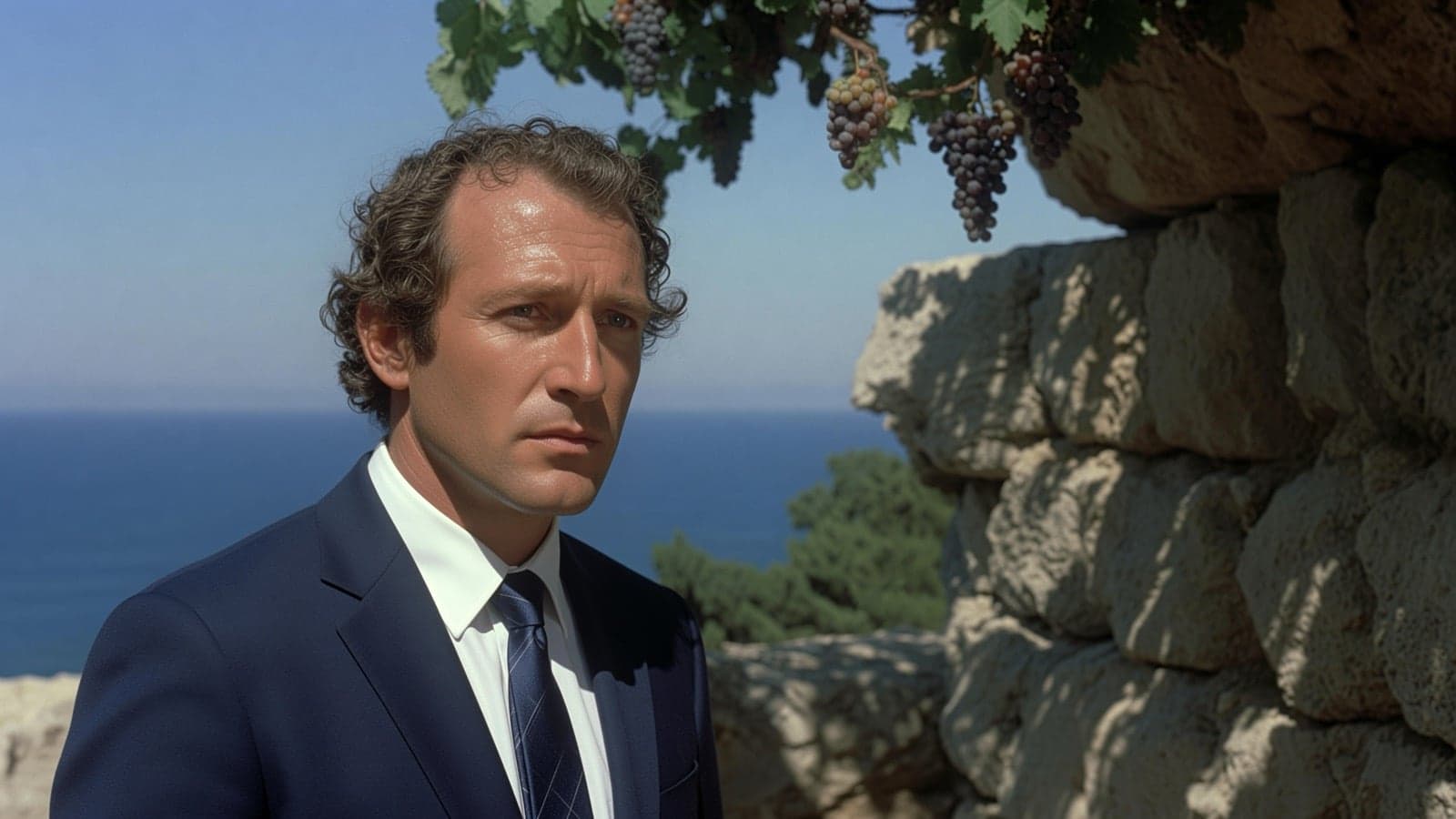
When we launched Imagine Video 1.5 last month, it was our best video model yet — better motion, better physics, and better audio. Today it goes further: image and voice references, video from a prompt alone, and native 1080p generation.
Image and voice references start today in the US for SuperGrok Heavy and SuperGrok Plus on grok.com/imagine and iOS, rolling out to all tiers over the next few days.
Text-to-Video and native 1080p
Describe the shot — no starting image needed. Text-to-video pairs our image generation with image-to-video. Native 1080p is now supported with text-to-video and image-to-video. Text-to-video and native 1080p are generally available on grok.com/imagine, iOS, and Android.
Voice consistency
Pass in a character image and a voice reference, and both hold — the same face and the same voice in every scene.

Multi-Reference
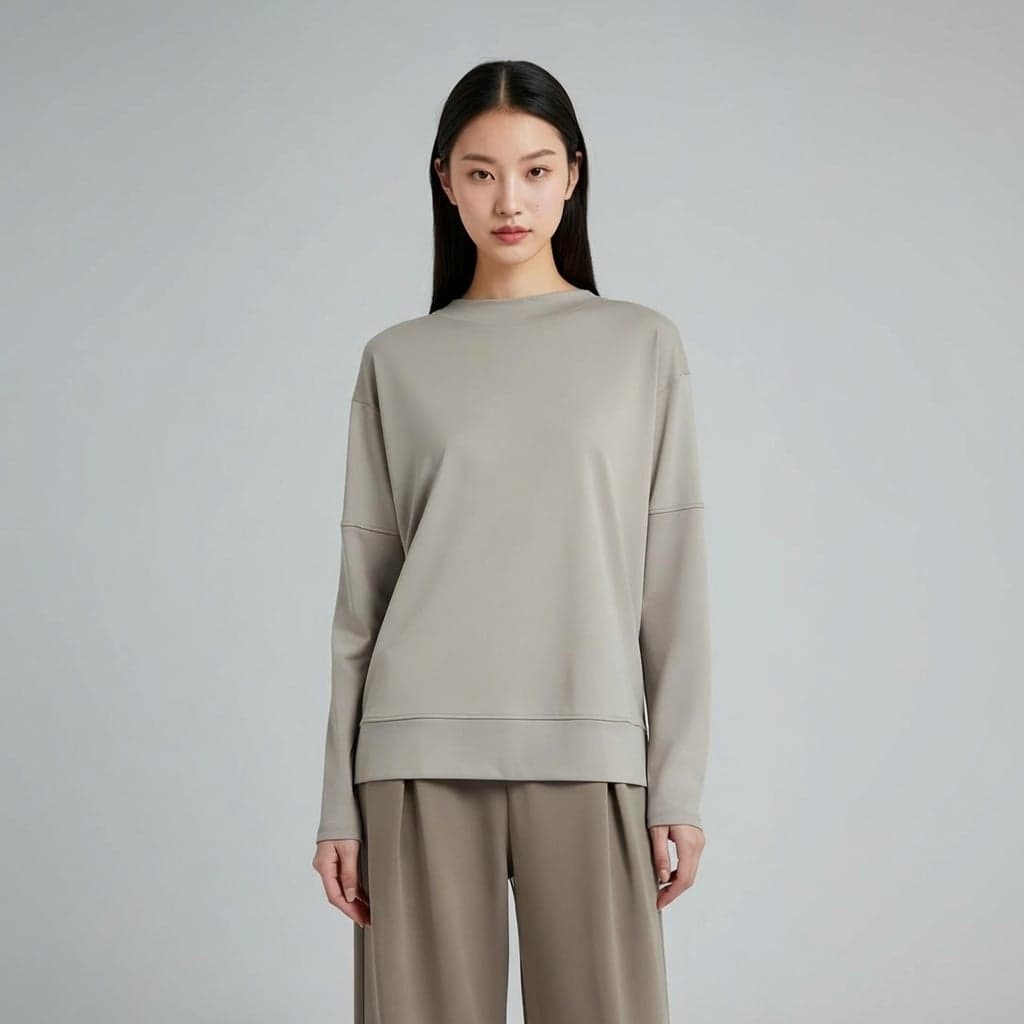
Each reference image locks one thing in place — a face, a product, a location. Keep a character and swap the scene, keep the scene and swap the character, or hold both and change only the action. Up to seven references per generation.
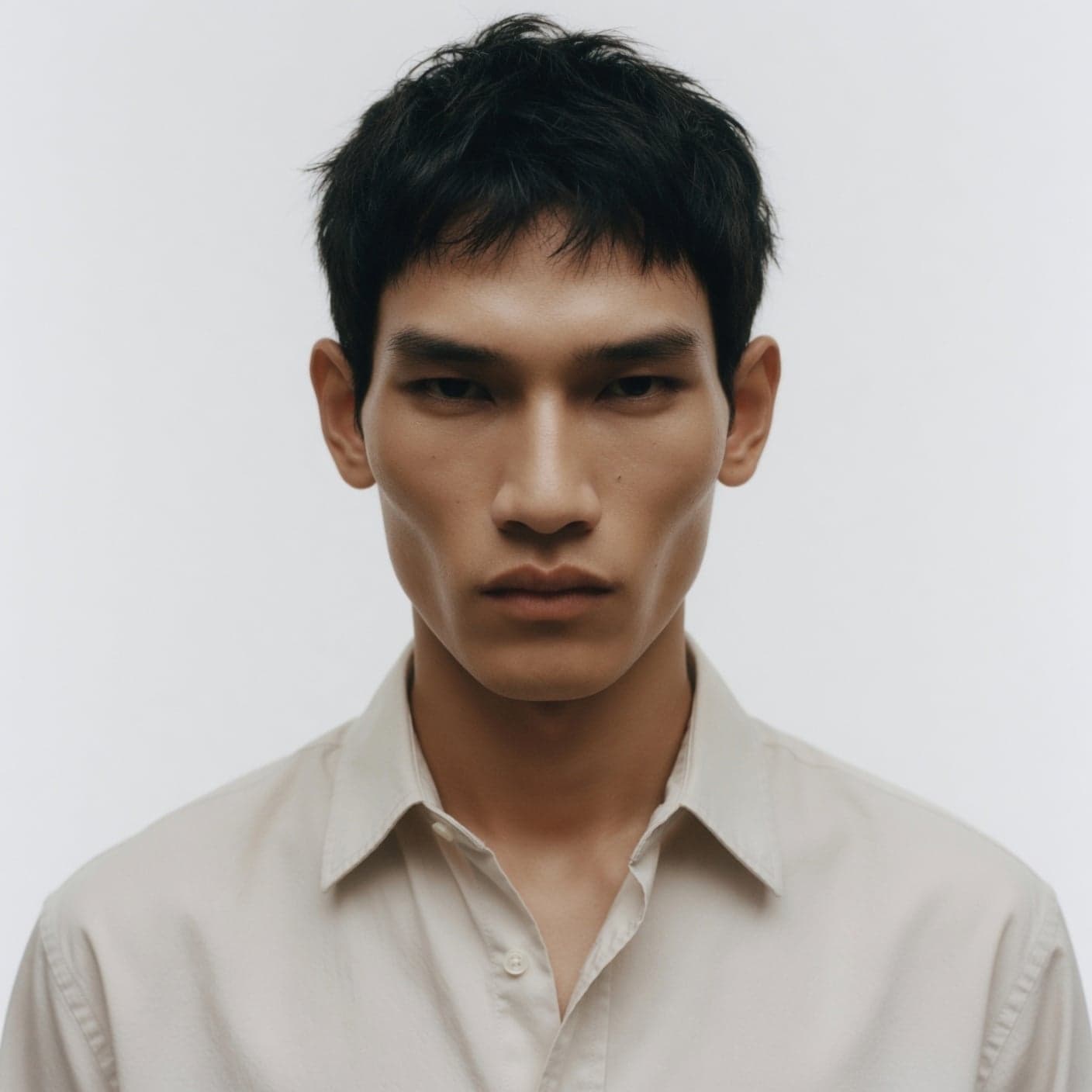
Character
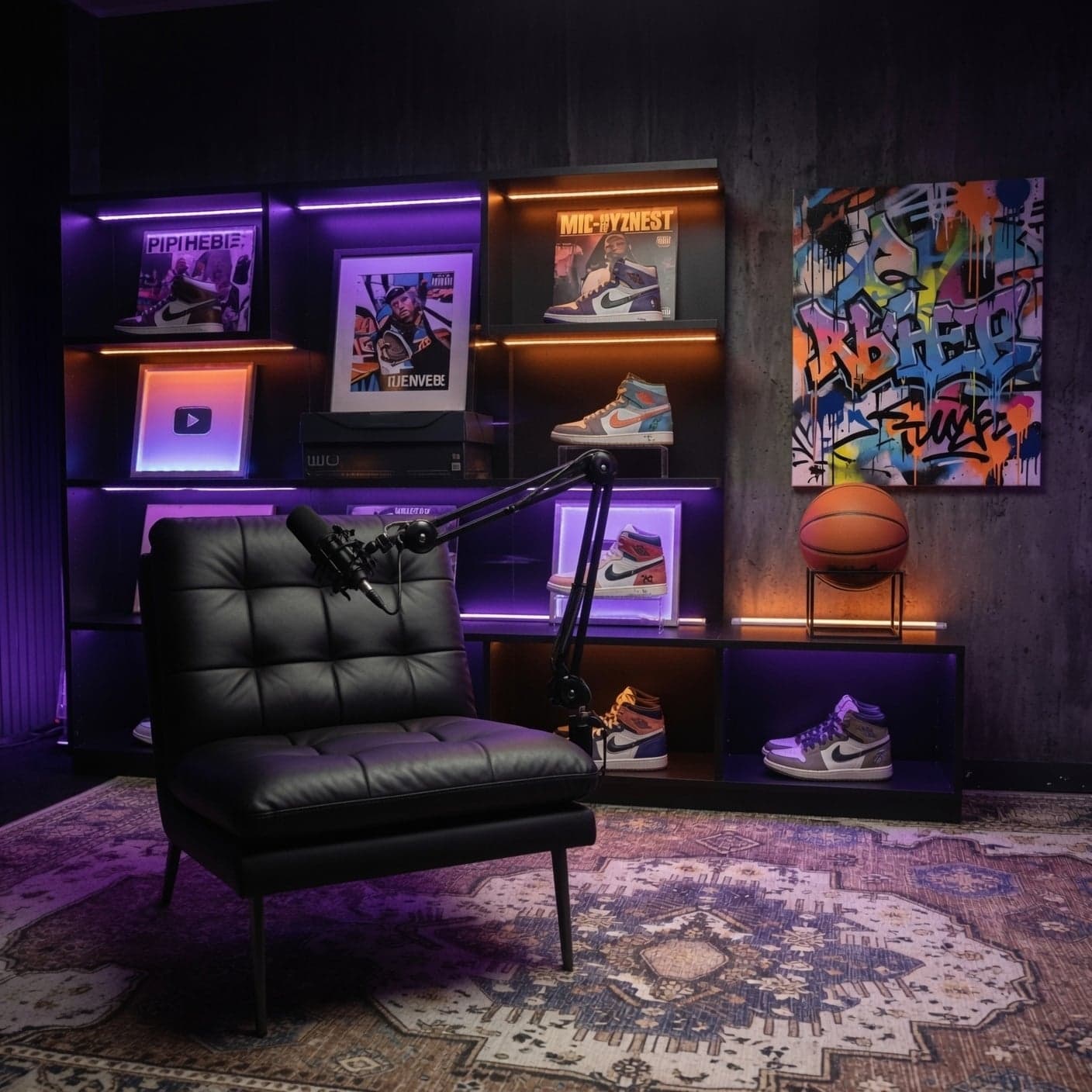
Scene
Character
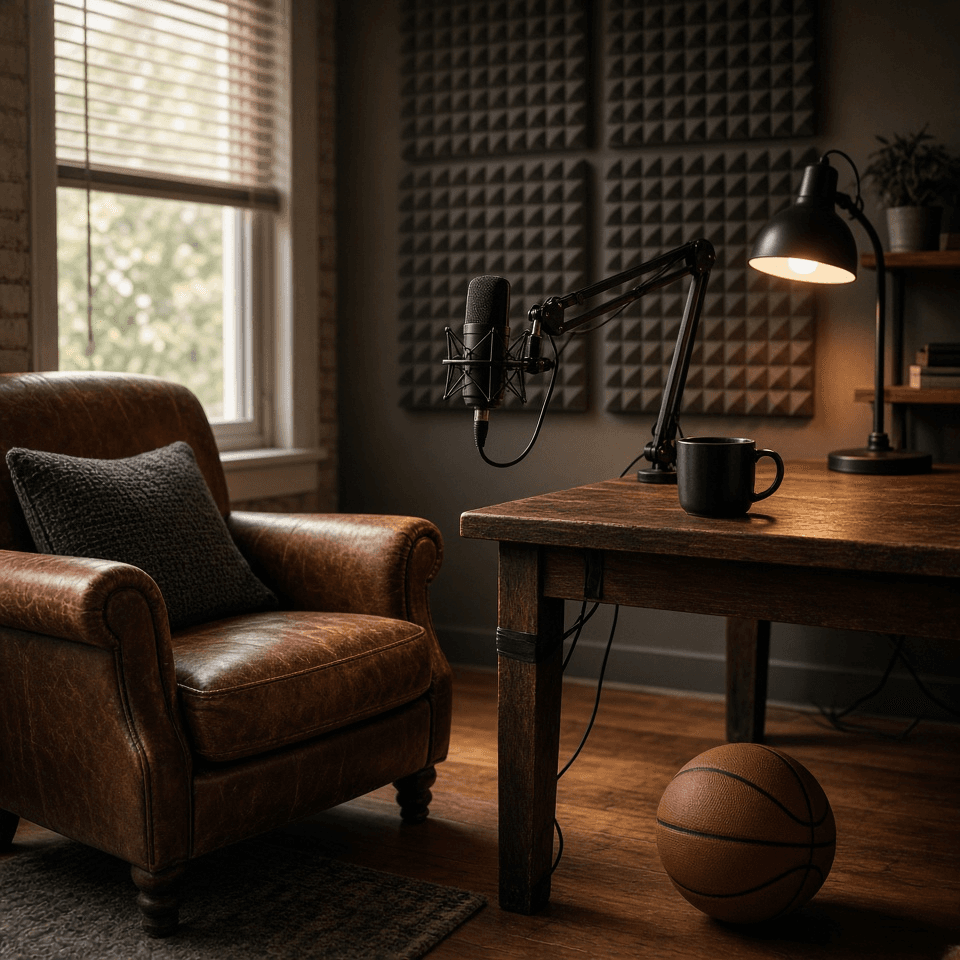
Scene
Character
Scene
In the API
Image references, text-to-video, and native 1080p are live in the xAI API with our best video model, grok-imagine-video-1.5. Voice reference support is available on request.
import os
import xai_sdk

client = xai_sdk.Client(api_key=os.getenv("XAI_API_KEY"))

response = client.video.generate(
    prompt="Slow cinematic push-in as embers drift across the battlefield and the helmet's crest stirs in the wind",
    model="grok-imagine-video-1.5",
    reference_image_urls=["https://example.com/helmet.jpg"],
    duration=6,
    aspect_ratio="16:9",
    resolution="720p",
)

print(response.url)
Try it today

